If you are ready to launch or scale a WordPress blog, hosting is not a side decision. It shapes how fast pages load, how often your site stays online, and how calmly you can publish when traffic finally arrives. Search engines notice Core Web Vitals and real-user experience. Readers notice lag even sooner. A weak host quietly taxes both.
In 2026, serious bloggers treat managed WordPress hosting as part of their content strategy, not an afterthought. Below you will find a practical way to choose, seven hosts that still earn a place on a blogger shortlist, and a few setup habits that protect rankings after you click buy. Promotional prices change often, so treat dollar amounts as starting points and confirm the current promo and renewal rate before you commit.
Why managed WordPress hosting beats basic shared plans
Most new bloggers begin on the cheapest shared plan they can find. That works for a quiet site with a handful of posts. It starts to fail when images pile up, plugins multiply, or a post gets shared more widely than you expected. Shared environments pack many sites onto the same pool of CPU and memory. When a neighbor spikes, your TTFB and load time often suffer with them.
Managed WordPress hosting is built around the software you actually run. The provider tunes PHP, caching, and security for WordPress, keeps the stack updated, and usually includes daily backups plus staging on mid and higher tiers. Support staff know common plugin conflicts and theme issues. You still write and publish. They handle more of the server choreography that eats evenings when something breaks.
You do not always need the most expensive managed plan on day one. You do need a host that offers real WordPress tooling, honest resource limits, and a clear upgrade path. If you are still weighing free platforms against self-hosted WordPress, COMPROMATH’s notes on a budget WordPress blog and Blogger versus WordPress for making money help frame that choice before you spend on hosting.
What bloggers should check before buying
Marketing pages all claim speed and “unlimited” everything. Filter the noise with a short checklist that matches how blogs actually grow.
Speed stack. Prefer NVMe or fast SSD storage, modern PHP, server-level caching or LiteSpeed, and a CDN option. Global readers benefit when static assets leave an edge network close to them. If you later add a store or memberships, that same stack matters even more. For deeper performance picks, see our guide to WordPress high performance hosting.
Backups and staging. Daily automated backups with easy restore save you after a bad plugin update. Staging lets you test theme changes without risking the live URL. If a plan only offers weekly backups and no staging, plan to add your own backup routine early.
SSL, domain, and email reality. Free SSL is table stakes. A free domain for year one is common on intro deals. Email may sit on a separate product. Read what renews free and what becomes a paid add-on after the promo period.
Migration help. Many hosts move an existing WordPress site for free once. That is useful when you outgrow a starter plan. If your archive still lives on Blogger, hosting migration tools will not import that content for you. You need a Blogger-to-WordPress path after the new host is ready. COMPROMATH’s walkthrough on how to transfer Blogger to WordPress covers backups, staging, redirects, and careful plugin options such as MigraSync when you want posts, media, comments, and 301s handled in one flow.
Renewal math. Intro pricing can look generous. Renewal rates often jump. Compare year-two cost, not only the headline first-year number. That habit alone prevents most “cheap hosting” regrets. For broader price hunting, our roundup of the cheapest quality web hosting per year is a useful companion read.
Match the host to your blogging stage
A brand-new niche blog with ten posts does not need enterprise infrastructure. A media site with affiliate revenue and sudden traffic spikes does. Use stage as your filter.
If you are launching and learning, prioritize easy WordPress install, SSL, a free or cheap domain, and support that answers beginners without jargon. Hostinger, DreamHost, and HostGator sit in that lane for many first sites.
If you already have steady traffic and care about support quality plus Google Cloud or similar infrastructure, SiteGround’s mid plans and Pressable become more interesting. If uptime and dedicated resources are non-negotiable because the blog funds payroll or client work, Liquid Web and other premium managed stacks earn their keep.
Cloud-focused setups sit in the middle for people who want elastic resources without building servers from scratch. Namecheap EasyWP and other cloud WordPress products belong there. COMPROMATH’s overview of cloud hosting for WordPress explains when that model beats classic shared plans.
Seven handpicked WordPress hosting services for bloggers in 2026
DreamHost for affordable managed hosting with free domain perks
DreamHost remains a strong pick when you want predictable value and a host that has lived with WordPress for a long time. Shared WordPress plans stay approachable for new blogs. DreamPress steps up into true managed WordPress with heavier caching and staging when growth demands it.
Typical starter packages include a free domain for the first year, free SSL, and WordPress ready to go. DreamHost’s own panel is simpler than classic cPanel for many beginners. Built-in caching and a long standing uptime culture matter more than flashy marketing copy. If you like employee-owned companies and clearer long-term pricing than some promo-heavy rivals, DreamHost deserves a serious look.
SiteGround for premium speed and support on growing blogs
SiteGround suits bloggers who have outgrown bare-bones shared hosting but are not ready for top-tier agency pricing. Sites run on Google Cloud infrastructure. Their SiteGround Optimizer plugin, CDN options, and security tooling give you a semi-managed feel without forcing you to SSH into a raw VPS.
Security features include multi-layer protection, daily backups on eligible plans, and a web application firewall. GrowBig and higher tiers unlock staging and stronger resources that medium blogs and small teams actually use. Watch renewal pricing carefully. Introductory rates look friendly. Year-two totals often climb, which is fine if support and tooling justify the spend for your traffic level.
Pressable for enterprise-minded performance on WP Cloud
Pressable is fully managed WordPress on WP Cloud from Automattic, the company behind WordPress.com. That pedigree matters if you want edge caching, a serious uptime SLA, and a stack aligned with how WordPress core evolves. Agencies and revenue-heavy blogs often land here when “good enough shared” stops feeling safe.
Expect free concierge migrations on many plans, automatic daily backups, one-click staging, and unlimited bandwidth style packaging aimed at predictability. Pressable appears among hosts recommended in WordPress.org circles for a reason. You pay for calm operations more than for a bargain first invoice.
Liquid Web for mission-critical WordPress workloads
When a blog or content business cannot afford slow support tickets, Liquid Web’s managed WordPress offering is built for that pressure. Dedicated resources and high availability matter once advertising, digital products, or client deliverables depend on the site staying sharp under load.
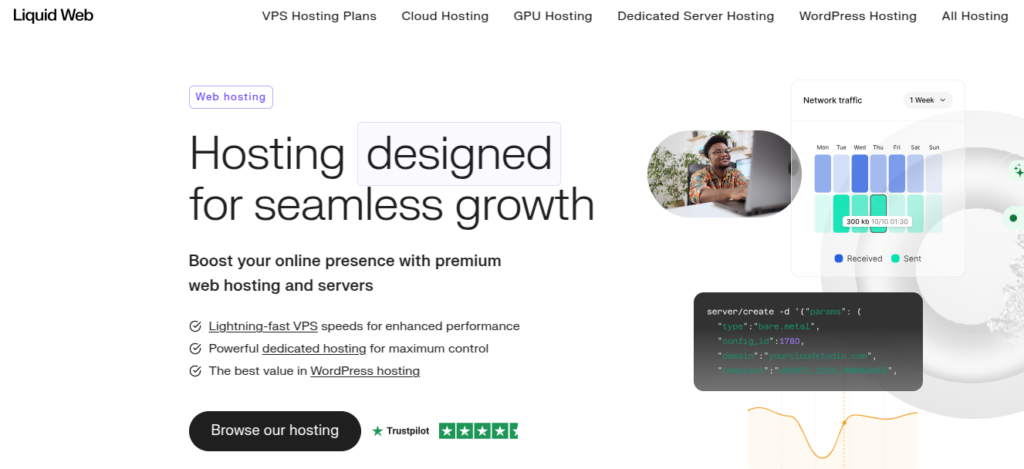
Their support reputation, including a fast response target often marketed as Heroic Support, is a major part of the product. Tools such as plugin performance monitoring and automated testing environments help you catch slowdowns before readers bounce. This is not the cheapest path. It is a sensible path when downtime costs more than the monthly invoice.
Hostinger for strong value and LiteSpeed speed
Hostinger wins a lot of “best value” conversations in 2026 because the feature list punches above the intro price. You get hPanel instead of classic cPanel, generous storage on higher tiers, and the ability to park many sites on one plan when you experiment with niche blogs. LiteSpeed caching and Hostinger’s WordPress acceleration stack help entry plans feel faster than older budget shared hosting.

Free SSL, a free domain on qualifying deals, and unmetered bandwidth style packaging make launch day simple. As with any aggressive promo host, read the renewal table. If the year-two price still fits your revenue plan, Hostinger is hard to beat for new and mid-level blogs that want speed without jumping straight to premium managed pricing.
HostGator for beginners who want a familiar start
HostGator remains a practical on-ramp for first-time bloggers who want one-click WordPress, free migration help on many offers, and a control panel layout that feels familiar if you have used shared hosting before. Unmetered bandwidth marketing and free SSL reduce early decision fatigue.

It will not win every synthetic speed benchmark against specialized managed platforms. It can still be the right buy when your goal is to publish consistently, learn WordPress, and move up later. Pair it with lean themes and a short plugin list so you are not asking a starter plan to behave like a CDN-backed enterprise stack.
Namecheap EasyWP for cloud speed without heavy ops
Namecheap is widely known for domains. EasyWP is its managed WordPress product aimed at fast delivery on cloud infrastructure rather than crowded classic shared servers. The dashboard stays minimal on purpose. You spend less time hunting server settings and more time publishing.
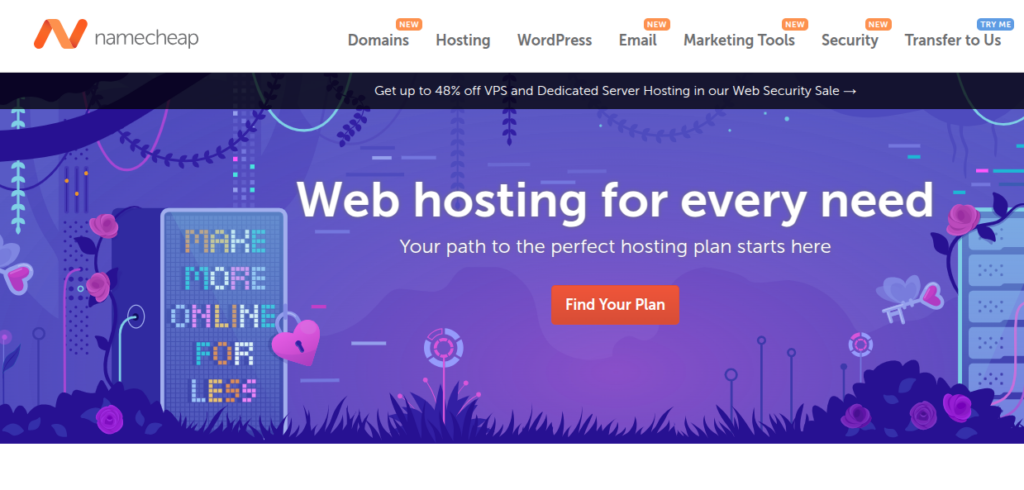
Integrated caching and CDN options on higher tiers help keep load times tight for content sites. If you already buy domains at Namecheap and want hosting in the same account, EasyWP keeps the workflow tidy. Compare it against traditional shared plans when raw responsiveness matters more than a kitchen-sink control panel. For the wider cloud versus classic hosting debate, see cloud versus hosting.
Comparison of WordPress hosting for bloggers
Use this table as a quick filter, then verify live pricing on each host. Starting prices reflect common promotional entry points and can shift with campaigns.
| Hosting provider | Starting price | Standout features | Best fit |
|---|---|---|---|
| DreamHost | From about $2.95/mo intro | Free domain deals, lifetime SSL on many plans, DreamPress managed upgrade path | Budget-minded beginners who want room to grow |
| SiteGround | From about $3.99/mo intro | Google Cloud, Optimizer plugin, strong support, staging on mid plans | Growing blogs that value support and tooling |
| Pressable | Promo periods vary | WP Cloud, uptime SLA, concierge migrations, staging | Agencies and high-reliability content sites |
| Liquid Web | Varies by plan | Heroic Support style response targets, plugin monitoring, dedicated resources | Mission-critical blogs and ecommerce content |
| Hostinger | From about $2.99/mo intro | LiteSpeed caching, multi-site plans, strong price-to-feature ratio | Bloggers maximizing features per dollar |
| HostGator | From about $3.75/mo intro | One-click WordPress, free migration offers, beginner-friendly panels | First blogs and simple launches |
| Namecheap EasyWP | From about $4.88/mo intro | Cloud WordPress, lean dashboard, CDN on higher tiers | Speed-focused sites that want low ops overhead |
After you buy, set the blog up for search and stability
Hosting alone does not rank a site. It removes friction so good content can. After WordPress is installed, turn on HTTPS everywhere, choose a clean permalink structure, and install only the plugins you will maintain. A bloated plugin list cancels a fast server. COMPROMATH’s WordPress plugins coverage can help you keep that stack intentional.
Create a backup habit on day one, even if the host already backs up daily. Keep at least one offsite copy. If you later rely on a product that pairs migration with encrypted cloud backups, evaluate it the same way you evaluate hosting. Does restore work when you are stressed, not only when demos look pretty?
Point Search Console and an analytics tool at the site early. Measure real Core Web Vitals after you add your theme, ads, and hero images. Optimize the heaviest templates before you scale paid traffic or aggressive affiliate pushes. Free hosting experiments have a place for learning, yet a revenue blog usually outgrows them. Our notes on free web hosting for WordPress explain the tradeoffs if you are still tempted to skip a paid plan.
Moving an existing site without losing SEO
Switching hosts is usually straightforward when you already run WordPress. Use the new host’s free migration, or migrate yourself with a full backup and careful DNS timing. Keep the old host active until the new site answers correctly on HTTPS and forms still submit.
Moving from Blogger is a different project. You are changing CMS, URL patterns, and often media storage. Hosting signup is only step one. Plan staging, content import, image ownership, and 301 redirects before you flip the live domain. That is the difference between a quiet cutover and months of soft 404s in Search Console. When you reach that chapter, follow the COMPROMATH migration guide and use a purpose-built tool only if it clearly covers the pieces you would otherwise stitch together by hand.
How to choose in one sitting
Write down your monthly budget including renewal, your current monthly visits, and whether you need staging this year. If you are under a few thousand visits and learning the craft, start with Hostinger or DreamHost and keep the theme light. If support quality and Google Cloud tooling matter more than the lowest promo, shortlist SiteGround’s mid plan. If clients or serious revenue sit on the blog, compare Pressable and Liquid Web without apologizing for the price.
Then stop researching and publish. The host that ships your next ten useful posts will beat the perfect host you never finish evaluating. Revisit the stack when traffic, revenue, or downtime costs change. That is how professional bloggers treat infrastructure in 2026. Steady upgrades, not endless shopping tabs.
Pick the plan that fits today’s stage, confirm SSL and backups, and get back to writing. Your readers and your rankings both reward a fast, boringly reliable foundation.
Affiliate Disclosure: This article contains affiliate links, meaning we may earn a commission if you purchase through our links, at no extra cost to you. This helps support our work and allows us to continue providing valuable content. We only recommend products and services we trust.

[…] these Compromath guides help with the bigger picture. Blogger vs WordPress for making money, WordPress hosting for bloggers, and organic traffic […]