Running a game server on your own PC sounds free until you calculate the electricity bill, internet requirements, hardware wear, and maintenance. A VPS game server costs money every month, but it can stay online without keeping your home computer running all day.
For gamers hosting Minecraft, Palworld, Valheim, or other multiplayer games, the real question is whether a home server saves enough money to justify the extra work.
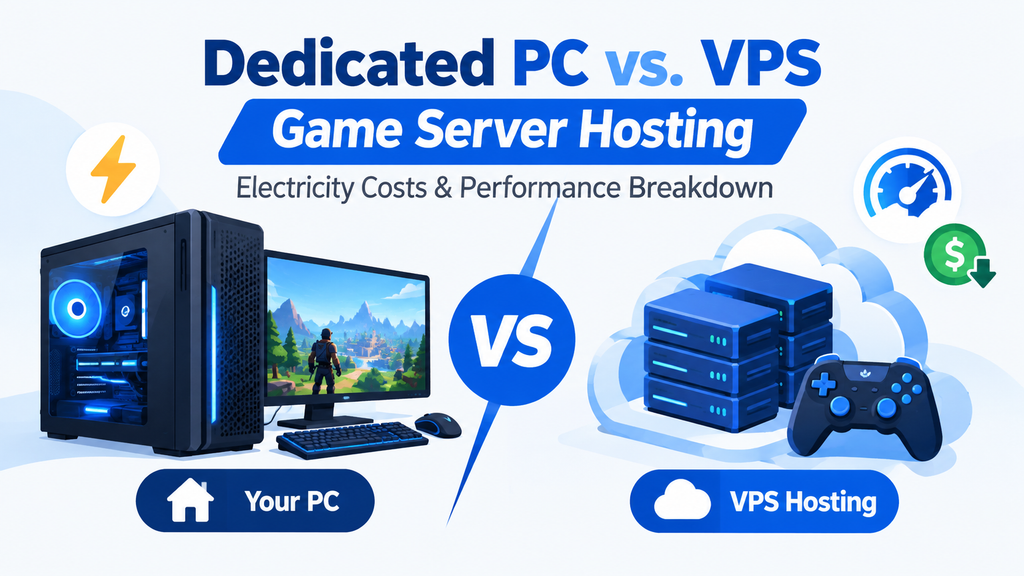
This guide compares the actual running costs, performance, RAM, storage, and convenience of a dedicated home PC versus affordable VPS hosting.
Host a Game Server Without Running Your PC 24/7
Want a simpler alternative? Hostinger VPS hosting offers dedicated virtual resources, NVMe storage, and an optional Game Panel for managing supported game servers.
- Instant game server setup: Use Hostinger Game Panel to create supported game server instances through its dashboard instead of configuring everything manually.
- 30-day money-back guarantee: Eligible hosting purchases come with a 30-day money-back guarantee, subject to Hostinger’s terms.
- Use code
COMPROMATH: Enter this promo code at checkout if it is accepted for your selected plan and purchase.
Check Hostinger VPS Plans and Current Discounts
1. Home PC vs. VPS: Quick Comparison
| Feature | Dedicated Home PC | Hostinger VPS |
|---|---|---|
| Initial cost | Existing PC or new hardware | No separate server hardware |
| Monthly running cost | Electricity, internet, maintenance | Hosting subscription |
| RAM | Depends on installed hardware | Fixed plan allocation |
| Storage | Local SSD or HDD | NVMe SSD |
| Game panel | Manual setup or third-party panel | Optional Game Panel on supported plans |
| 24/7 availability | Depends on home power and internet | Designed for continuous remote operation |
| Public IP and networking | Router and firewall configuration may be needed | Public server IP included |
| Maintenance | Your responsibility | You manage the server software; provider maintains the hosting infrastructure |
| Best for | Existing hardware, experiments, LAN play | Friends playing remotely, always-on worlds |
A home PC gives you more direct hardware control. A VPS offers a managed hosting environment without requiring a separate physical machine in your home.
2. How Much Does It Cost to Run a Game Server at Home?
Electricity is the main ongoing cost of a home game server. The amount depends on the computer’s average power consumption and your local electricity rate.
Use this formula:
Monthly electricity cost = Average watts ÷ 1,000 × 24 × 30 × electricity price per kWh
For example, a computer averaging 100 watts uses 72 kWh in 30 days.
At an illustrative electricity rate of $0.15 per kWh, that costs $10.80 per month. Your actual rate may be higher or lower.
Monthly electricity cost for a 24/7 server
| Average power draw | Monthly energy use | Cost at $0.15/kWh |
|---|---|---|
| 40W | 28.8 kWh | $4.32 |
| 60W | 43.2 kWh | $6.48 |
| 100W | 72 kWh | $10.80 |
| 150W | 108 kWh | $16.20 |
| 200W | 144 kWh | $21.60 |
These are illustrative estimates, not measured power consumption for a specific PC. A low-power mini PC can use much less electricity than a gaming desktop, particularly one with a dedicated graphics card.
Also, these figures cover electricity only. They exclude internet costs, replacement parts, hardware depreciation, and the value of your time.
What if you already own a gaming PC?
Your calculation changes if the PC is already running for gaming or other work.
If the machine would stay on anyway, the server’s additional electricity consumption may be relatively small. However, leaving it on overnight or while you are away adds consumption that would not otherwise occur.
For an accurate estimate, use a plug-in power meter to measure the computer’s actual average draw while the game server is running.
3. Home Server vs. VPS: The Real Monthly Cost
Let’s compare a home PC averaging 100W with a VPS costing $8.99 per month as an example.
| Expense | Home PC | VPS |
|---|---|---|
| Monthly electricity | $10.80 | Included in hosting |
| Hosting subscription | $0 | $8.99 |
| Extra hardware | Depends on your setup | $0 for a separate server |
| Internet upgrades | Possible | Usually unnecessary at home |
| Maintenance | Your responsibility | Server software remains your responsibility |
| Estimated direct monthly cost | $10.80+ | $8.99 |
Under these assumptions, the VPS costs $1.81 less per month before accounting for hardware depreciation, internet upgrades, or maintenance time.
If your home PC averages 150W, electricity alone costs $16.20 per month. An $8.99 VPS would then save $7.21 monthly compared with that electricity expense.
The break-even point is useful: at $0.15/kWh, a PC drawing approximately 83W continuously uses about $8.99 of electricity per month. Above that average draw, the example VPS subscription costs less than electricity alone.
The result changes with local electricity prices and hosting renewal rates. Always compare the actual checkout price and renewal terms with your own measured power consumption.
4. Hostinger VPS Plans: Price, RAM, Storage, and Game Panel
For a small multiplayer server, available memory and CPU performance matter more than the headline price alone. The following comparison uses Hostinger’s advertised VPS specifications and introductory monthly rates as a reference. Prices can change by region, promotion, and subscription term.
| Plan | Advertised monthly rate | RAM | Storage | Game Panel |
|---|---|---|---|---|
| KVM 1 | $6.49 | 4GB | 50GB NVMe | Check plan and setup options |
| KVM 2 | $8.99 | 8GB | 100GB NVMe | Optional Game Panel availability |
| KVM 4 | $12.99 | 16GB | 200GB NVMe | Optional Game Panel availability |
Rates shown are promotional examples, not guaranteed checkout prices. The advertised rates may require paying for a longer term upfront, and renewal prices can be higher. The KVM 2 plan is the one linked below.
Recommended starting point: Hostinger KVM 2
For gamers who need 8GB RAM and 100GB NVMe storage, KVM 2 is a reasonable starting point to evaluate for a small community server. Actual player capacity depends on the game, world size, mods, CPU load, and server settings.
Check KVM 2 Pricing and Order Options
Before purchasing, confirm whether the Game Panel is included in the configuration you select. A standard VPS and a Game Panel hosting plan may have different features.
5. Which Offers Better Game Server Performance?
A VPS does not automatically outperform a dedicated home PC. Performance depends on the server software, CPU allocation, memory, storage, and network quality.
Home PC performance
A desktop with a strong processor and plenty of RAM can perform well, especially for demanding or heavily modded games. You have direct access to its hardware and can upgrade components.
The downsides are inconsistent home internet, possible power interruptions, router configuration, and the need to keep the machine running.
VPS performance
A VPS runs on a data center’s infrastructure, generally with stable network connectivity and a public IP address. NVMe storage can also help with world loading and file operations.
However, virtual CPU resources are not equivalent to a guaranteed dedicated physical core. A small VPS can struggle with a CPU-intensive game, a large player count, or an extensive modpack.
Choose a server location close to most of your players. A geographically distant data center can increase latency even when the VPS itself is powerful.
If your goal is to stream games from a PC rather than host a multiplayer world, see our guide to streaming PC games to Steam Deck with Moonlight and Sunshine.
6. Is a VPS Enough for Minecraft, Palworld, and Valheim?
The right plan depends on the game and how many people will play at once.
| Game server | What to consider | Starting approach |
|---|---|---|
| Minecraft vanilla | Player count, view distance, and world size | A small server may fit a 4GB plan |
| Minecraft with mods | Modpack memory requirements and CPU load | Consider 8GB RAM or more |
| Valheim | World activity, players, and server configuration | Test requirements before committing |
| Palworld | Memory usage, player count, and world activity | A larger plan may be necessary |
| Heavily modded survival games | CPU load, memory, and storage | Benchmark before choosing a plan |
These are starting points, not performance guarantees. Check the specific game’s server requirements before ordering, and remember that the operating system and management panel also consume resources.
If Palworld is your main game, read our practical guide to hosting a private Palworld server for friends. It can help you decide which setup and configuration fit your group.
7. When Should You Choose a Home PC Instead?
A home server is still a sensible choice in several situations:
- You already own a low-power PC that can run the server efficiently.
- Your friends play only occasionally, so you can turn the server off when nobody needs it.
- You want full hardware control or need to experiment with custom server software.
- You primarily play over a local network and do not need continuous remote access.
A VPS makes more sense when your world needs to remain available while your main PC is switched off, your friends live in different locations, or home networking and power interruptions are recurring problems.
For another perspective, read why you shouldn’t host a game server on your Steam Deck.
Final Verdict: Is VPS Game Server Hosting Worth It?
For a computer drawing 100W continuously, electricity alone can cost more than an $8.99 VPS subscription at the example rate of $0.15/kWh. A higher-power desktop makes the financial case for a VPS stronger.
A home PC can still win if you already own efficient hardware and do not need the server online around the clock. A VPS is usually more convenient for a persistent multiplayer world, remote friends, and gamers who do not want to leave their main computer running.
For a small group of friends, start by comparing your measured electricity cost with the full VPS checkout and renewal prices. If the VPS meets your game’s CPU and RAM requirements, Hostinger KVM 2 is worth considering for its 8GB RAM and 100GB NVMe storage.
Check Hostinger VPS Offers and Try Code COMPROMATH at Checkout
Affiliate Disclosure: This article contains affiliate links, meaning we may earn a commission if you purchase through our links, at no extra cost to you. This helps support our work and allows us to continue providing valuable content. We only recommend products and services we trust.
