I wanted a signup box on this site that does two boring jobs well. Collect an email. Mail new posts back to the article I already published.
A lot of “newsletter” tools want to keep the list, wrap every link, or drop ads into the letter. I do not want that. The list should be mine. The click should land on COMPROMATH, not on someone else’s archive page.
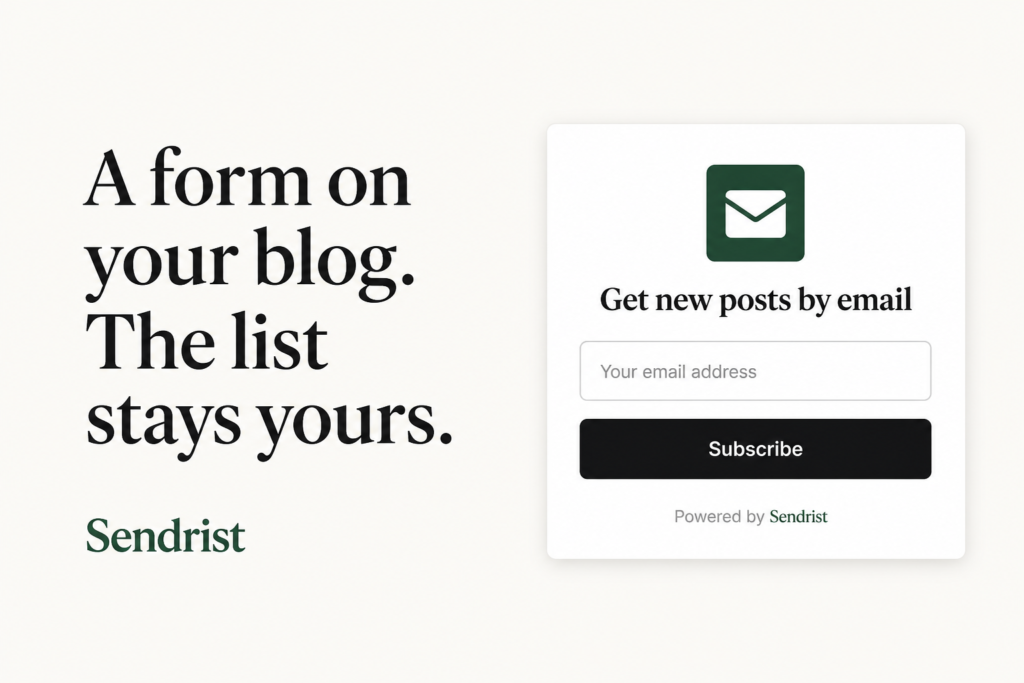
I am using Sendrist for that. Free tier is enough for a personal blog: one feed, one list, a few widgets, and a hundred confirmed readers. They have to confirm from their inbox before anything goes out. That is the whole point.
This is the setup I use, and the paste-in for WordPress and Blogger.
What you do on Sendrist first
- Create an account at sendrist.com. They email a sign-in link. There is no password to invent.
- Open Feeds and paste your site URL or RSS URL. For this blog that is the COMPROMATH feed. For Blogspot it is usually the usual
/feeds/posts/defaultstyle feed; Sendrist will look for it if you paste the blog address. - Open Lists, make a list, attach that feed. Name it something you will recognize, like “Homepage readers.”
- Open Widgets, new widget, pick the list. Set the heading. I use “Get new posts by email.” Save, then Publish. Drafts do not show on the live site.
On the widget page you get two snippets. That part matters.
- Script for Blogger and for a modal or floating bar.
- Iframe for WordPress posts and sidebars.
Use https://sendrist.com/... only. If you paste http://, the form will sit there dead on an HTTPS site.
Do not paste both snippets in the same block. I tried that. WordPress kept the iframe. The script never ran.
WordPress: inline form on a page or post
WordPress likes to strip <script> tags from post content. So for a box that sits in the page, use the iframe.
- In Sendrist, set the widget layout to Inline. Save.
- Copy Iframe (WordPress-safe).
- Edit the page or post (the Newsletter page on COMPROMATH is the one I use).
- Add a Custom HTML block. Not a paragraph. Not “paste as text” into the visual editor.
- Paste the iframe. Update the page.
- Open the page while logged out, or in a private window.
Classic editor: switch to the Text tab, paste the iframe, update.
Sidebar or footer: Appearance → Widgets (or the site editor on a block theme). Add Custom HTML. Same iframe. Save.
If the tags show on the page as code, you put them in the wrong block. Delete that block and use Custom HTML again.
The iframe is a box. It will not open a popup over the whole site. That is fine for a dedicated newsletter page.
WordPress: modal or bar on every page
For a popup or a bar along the bottom you need the script, and it has to load in the footer, not inside a post.
- In Sendrist, set layout to Modal or Floating bar. Choose when it opens (after a delay, after scroll, or when the mouse leaves the page). Save.
- Copy Script (Blogger, most sites).
- Do not paste that into the post editor. WordPress will eat it.
- Use a small header/footer plugin (WPCode, Insert Headers and Footers, or whatever you already trust) and put the script in the footer. Or put it in a child theme
footer.phpbefore</body>. - Save. Visit a normal post, not only the newsletter page. Wait for the delay you set.
Closing the modal hides it for the rest of that visit. That is normal.
Blogger: gadget on the layout
Blogger is happier with the script. Use that unless your theme strips it.
- Publish the widget in Sendrist. Copy the Script snippet.
- In Blogger, open Layout.
- Add a gadget where you want the form: sidebar, footer, or under the posts.
- Choose HTML/JavaScript.
- Paste the script. Save the gadget. Save the layout.
- View the live blog, not only the Layout preview.
One post only: open the post, HTML view, paste the script, publish.
Modal or bar on every page: same script, in a gadget that is not hidden on any page. The script decides when the form appears. You do not add a second button.
If nothing shows, check the widget is Published. Then try the Iframe snippet in that same HTML/JavaScript gadget. You will get an inline box, not a page overlay.
After it is live
Subscribe with your own address. You should get a confirm mail from Sendrist, not an instant “you are on the list.” Click the link. Status stays pending until you do.
Then in Sendrist open RSS email, pick the list and a template, and save. The widget only collects people. That setting is what actually mails a new post.
You can export the list as CSV whenever you want. I care about that more than I care about pretty dashboards.
If you write on both WordPress and Blogger, one Sendrist account can hold more than one feed once you are on a paid plan. On free you get one feed, which is enough for COMPROMATH.
I am not going to pretend this replaces a full marketing suite. It is a form, a confirm link, and a letter back to the post. That is what I wanted.
Start here: sendrist.com
