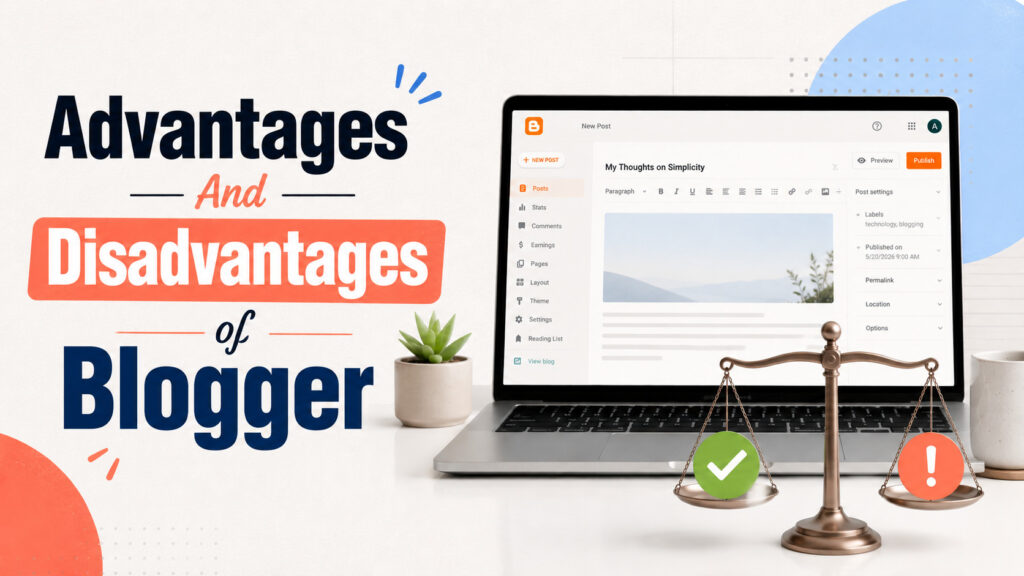
Choosing a blogging platform is one of the first decisions that shapes how fast you publish, how much you spend, and how hard it is to grow later. Google Blogger still answers a simple need in 2026. You want to write in public without buying a server. That alone keeps it relevant for students, hobbyists, and creators who are building a habit before they build a stack.
Blogger is Google’s hosted blogging service. A Google account gets you a free blogspot.com address, HTTPS, themes, posts, pages, and comments. You can open multiple blogs under one account, though most people only need one strong niche. The platform is not “dead.” It is intentionally simple. The smart question is not whether Blogger exists. It is whether its advantages outweigh its limits for your goals.
Below is a practical look at the advantages and disadvantages of Blogger, updated for how people actually start blogs, monetize them, and sometimes move on to WordPress.
Advantages of Blogger
Free hosting that stays out of your way
Blogger includes hosting on Google’s infrastructure at no monthly cost. You do not renew a shared hosting plan, patch PHP, or babysit a control panel. For a beginner, that removes the biggest early barrier. You can publish today and learn SEO, niches, and writing rhythm before you spend on servers.
If you already know you need memberships, stores, or heavy plugins, skip ahead to the disadvantages and plan WordPress from day one using our budget WordPress blog guide.
Google-backed uptime, SSL, and account security
Self-hosted WordPress puts server security, updates, and malware cleanup on you or your host. Blogger keeps those layers inside Google’s account and platform model. Two-factor authentication on your Google account protects the dashboard. Free HTTPS is standard. You still write carefully and avoid shady third-party scripts, but you are not managing a VPS to keep the lights on.
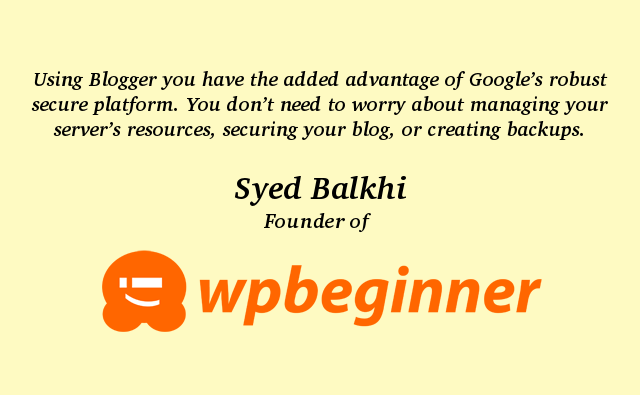
That security story is why many educators and beginners still recommend Blogger as a low-stress first home. It is not magic immunity. Policy violations can still remove a blog. It does remove a large class of “I forgot to update a plugin” disasters.
Built-in path to Google AdSense and other ads
Blogger connects cleanly with Google’s ad products. Eligible blogs can work through the Earnings area in the Blogger dashboard. Hosted AdSense on Blogger is often simpler for beginners than wiring ad code into a fresh self-hosted theme. You can also place other ad networks when their policies allow Blogspot or custom-domain Blogger sites.
Approval still depends on content quality, traffic patterns, and policy compliance. A custom domain usually looks more professional during review. COMPROMATH’s notes on non-hosted AdSense and Blogger-related AdSense paths help when you outgrow the simplest setup. For income without AdSense alone, see monetizing Blogger without AdSense.
Custom domains without paying for a hosting plan
Every new blog gets a free yourname.blogspot.com address. When you are ready to look like a brand, you can map a purchased .com (or similar) to Blogger. You pay the registrar, not a Blogger hosting fee. That is a meaningful advantage versus platforms that lock custom domains behind paid tiers.
DNS mapping needs care. Follow a current walkthrough such as getting a custom domain for Blogger and keep HTTPS enabled after the switch. A custom domain also makes a later move to WordPress cleaner because your public URLs already live on a brand you own.
Themes you can launch fast (and customize later)
Blogger ships with a set of official themes that are enough to publish a readable blog the same day. Newer Themes layouts are usually a better starting point than ancient templates. Designers and marketplaces still sell premium Blogger XML themes if you want a sharper look without learning HTML from scratch.
Free third-party themes vary wildly in quality. Prefer templates that are mobile-friendly, lightweight, and free of injected spam links. If you enjoy template work, COMPROMATH’s guides on creating a Blogger template and editing Blogger templates go deeper.
SEO that rewards content, not platform myths
A durable myth says Blogspot cannot rank. Reality is simpler. Google ranks pages based on usefulness, relevance, experience signals, and technical health. Blogger provides crawlable HTML, HTTPS, search-friendly URL options, and structured data foundations you can improve when errors appear.
You will not install Yoast or Rank Math the way WordPress users do. You will manage titles, descriptions, headings, internal links, and schema more manually. That is a tradeoff, not a death sentence. COMPROMATH’s Google Blogger SEO guide and the walkthrough to fix structured data errors on Blogger cover the practical side.
Affiliate programs that accept Blogger blogs
Amazon Associates and many other networks accept Blogger as a publishing platform when your site meets their content and traffic rules. You can place product links in posts, build comparison articles, and disclose relationships the same way you would on WordPress. The platform does not block affiliate marketing by default.
What Blogger limits is advanced affiliate tooling. Dynamic tables, complex product sync plugins, and membership funnels are harder without a plugin ecosystem. Simple, honest reviews still work.
Help that is easy to find
Official Blogger Help covers account, domain, and publishing issues. Decades of community tutorials exist for template edits, gadgets, and redirects. When something breaks, a precise search usually surfaces a fix faster than waiting on shared-hosting support queues.
Disadvantages of Blogger
You do not fully own the platform
Google hosts the software and can enforce Blogger content policies. Serious violations can remove a blog. You control posts, pages, comments, and design within those rules. You do not control the product roadmap or the long-term fate of any single Blogspot feature.
That risk is acceptable for many hobby blogs. It is harder to accept when a blog funds your business. Self-hosted WordPress on a host you choose puts files and the database under your account, with backups you can store offsite.
Migration takes planning if you leave
Blogger lets you export posts and comments. Moving that archive to WordPress without breaking rankings needs redirects, media handling, and careful DNS timing. Images may still point at Blogspot URLs if you import carelessly. Gadgets, ads, and custom HTML do not magically recreate themselves.
This is manageable with a staging site and a clear checklist. COMPROMATH’s guide to transfer Blogger to WordPress walks through backups, staging, and redirects. Tools such as MigraSync can help when you want posts, pages, comments, categories, images, and 301 mappings handled in one careful flow instead of stitching several plugins together.
No real plugin ecosystem
Blogger uses gadgets and theme HTML, not WordPress plugins. You cannot install an SEO suite, membership plugin, LMS, or advanced form builder the way self-hosted WordPress users do. Power features usually mean editing template code, adding third-party scripts, or accepting platform limits.
For a content blog with ads and affiliates, gadgets are often enough. For courses, member areas, or complex funnels, WordPress (or another full CMS) is the better long-term home. Compare monetization paths in Blogger versus WordPress for making money.
Design and performance ceilings
You can make Blogger look polished. You cannot match the depth of the WordPress theme and block ecosystem. Heavy third-party themes, too many gadgets, and unoptimized images still slow pages. Advanced caching stacks, edge rules, and server-level tuning are largely outside your control.
If Core Web Vitals and large media libraries become central to your strategy, plan a move to quality WordPress hosting. Our WordPress hosting for bloggers guide helps once that day arrives. Free WordPress hosts are rarely a better answer than staying on Blogger until you can pay for a real plan. See free web hosting for WordPress for why.
Monetization depth has a ceiling
AdSense and affiliate links work. Selling digital products, running memberships, building email-driven funnels with custom checkout, or qualifying for some premium ad networks is harder on Blogger. Some publisher networks prefer self-hosted WordPress with full ads.txt control and flexible layouts.
That does not mean you cannot earn. It means your ceiling and tooling differ. Many creators start on Blogger, prove a niche, then migrate when revenue justifies hosting and plugin costs.
Quick comparison for decision making
| Factor | Blogger | Self-hosted WordPress |
|---|---|---|
| Cost to start | Free hosting and subdomain | Hosting plus domain |
| Maintenance | Google handles servers | You or your host handle updates |
| Customization | Themes, gadgets, HTML | Themes, plugins, full stack |
| SEO tools | Manual and built-in basics | Deep plugin and code control |
| Ownership | Platform rules apply | Files and database on your host |
| Best for | Learning, content blogs, low cost | Scale, products, complex sites |
Who should choose Blogger in 2026
Choose Blogger if you want to publish this week with almost no money, if Google’s security model feels like a feature, and if your near-term income plan is AdSense, affiliates, or sponsored posts on a content site. It is also a strong fit for students building a public learning journal, as covered in our benefits of blogging for students guide.
Choose WordPress sooner if you already need memberships, digital product delivery, advanced forms, multilingual plugins, or agency-level design systems. Paying a few dollars a month for hosting is cheaper than fighting Blogger’s ceilings for a year.
A sensible path either way
Start on Blogger if uncertainty is high and cash is low. Use a custom domain when the blog gets serious. Write useful posts on a schedule. Track Search Console. Keep a content export habit even while Google hosts you.
When growth demands plugins, checkout, or tighter performance control, move to WordPress on purpose, not in a panic. Back up first. Build on staging. Redirect old URLs. Keep publishing through the cutover. That is how you keep the advantages you earned on Blogger without inheriting a messy migration.
Blogger’s advantages still win for many beginners. Its disadvantages are real when you outgrow simplicity. Pick the platform that matches this year’s goals, then upgrade when the work deserves a bigger workshop.
